A watchlist is supposed to reduce the time spent searching for something to watch. Instead, it often becomes a collection of forgotten trailers scattered across several apps. One platform saves a drama, another holds a reality competition, and a third keeps recommending a show you already completed elsewhere. The problem is not a lack of content. It is the absence of a single, manageable place to decide what you actually want next.
A good cross-platform watchlist does not require an elaborate database. It needs a reliable title, a useful status and a reason you saved the series. Everything else is optional. The objective is to make the moment before watching feel easier rather than to turn television into an administrative project.
Keep one master list outside the services
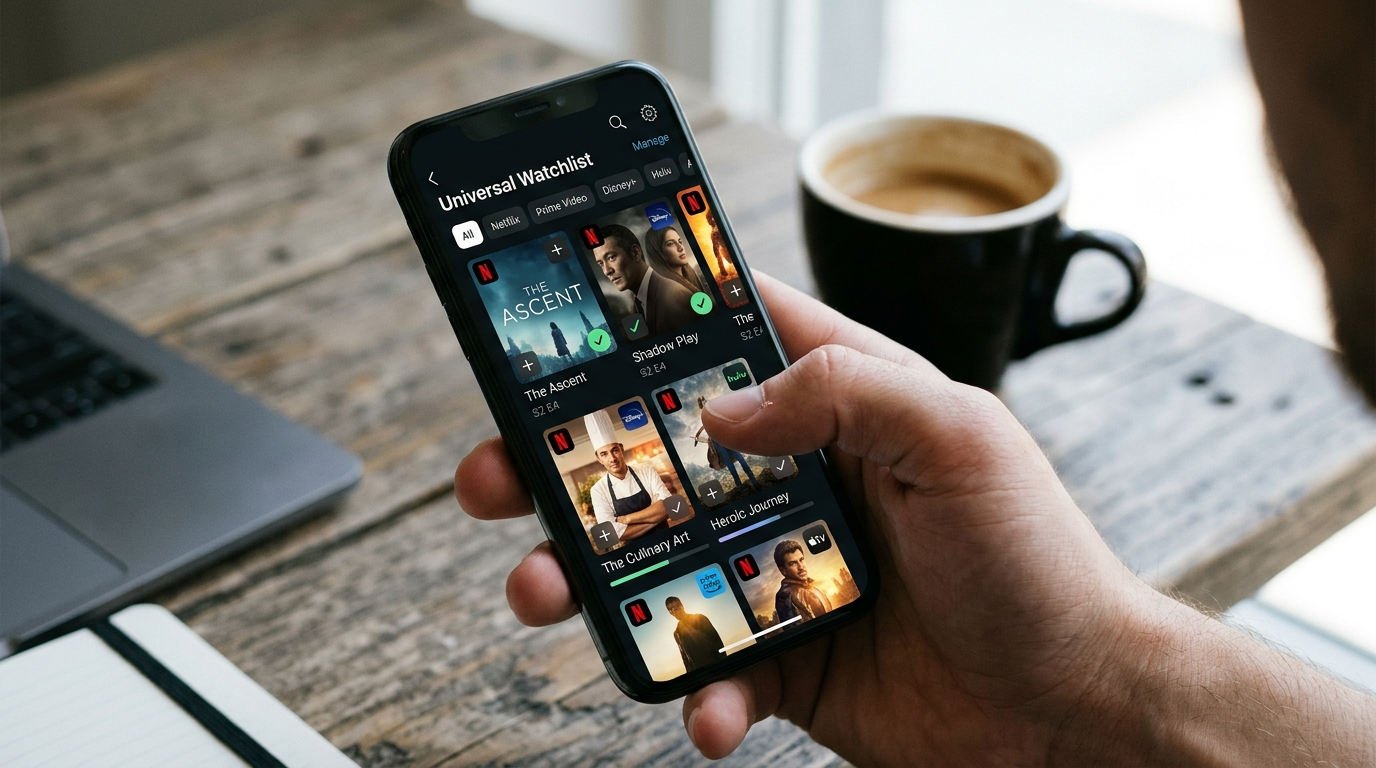
Platform-native lists are convenient while you are inside an app, but they rarely travel cleanly between services. Use a notes app, simple spreadsheet or other familiar tool as your main record. Give each show its exact title, season you want to start, current service if known and a personal status such as “interested,” “watching,” “paused” or “finished.” A small amount of structure makes the list searchable and prevents duplicate entries.
You can keep the service-specific lists too, especially if they help the app recommend relevant episodes. The master list simply becomes the place where you make decisions. If a show disappears from one catalog, you do not lose track of it. If a second provider acquires it later, update the location without rebuilding the entire entry.
Add a reason, not just a title
Write one brief note about why each series appealed to you. “Complex family drama with sharp dialogue” is more useful than an empty bookmark. A month later, you may not remember the trailer, but you will understand the mood you originally wanted. The note can also distinguish similar titles or explain why you chose a particular season after hearing a recommendation.
This practice reduces the influence of temporary hype. If your reason is simply “everyone is talking about it,” that is honest information too. You may discover that it matters less when the conversation passes. A watchlist should capture your interests rather than silently inherit the priorities of every advertising campaign you encounter.
Organize by readiness instead of by genre alone
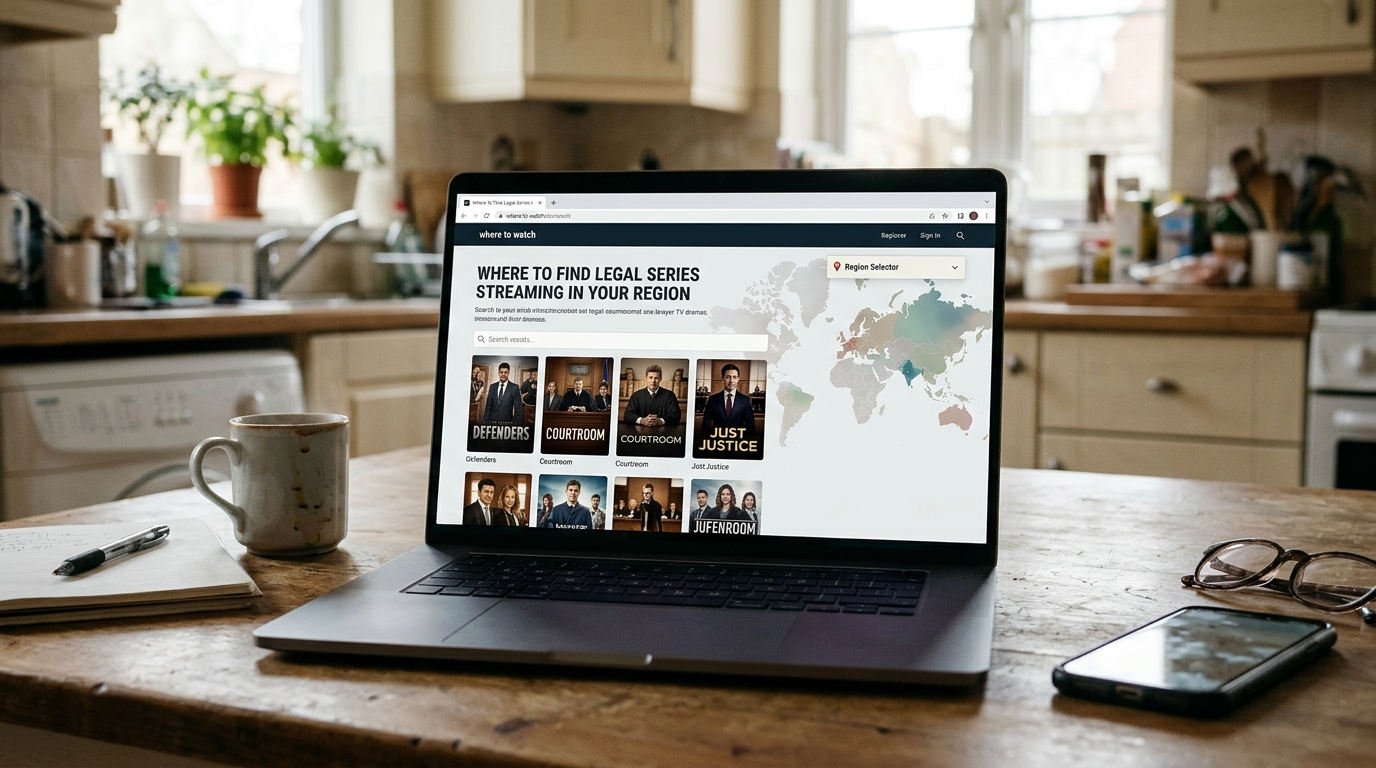
Genres are useful browsing labels, but they do not always answer the practical question “What can I start tonight?” Separate titles you can legally stream now from those awaiting a premiere, those that require previous-season recaps and those that are not currently available in your region. This prevents an evening from being consumed by searches for shows that cannot yet be watched.
A simple four-column board can work: ready now, currently watching, later, and finished. Keep the ready column short. If twenty-five titles all demand immediate attention, none of them helps you decide. Move a few candidates forward each week according to mood and available time.
Track the exact season and episode
When you watch across devices or share accounts, in-app progress can become unreliable. Record the most recent episode you completed, not the one you started. A note like “season 2, episode 5 finished” is unambiguous and saves time when returning after several weeks. For complicated mysteries, you might add one short non-spoiler reminder about which story thread has your attention.
Avoid writing detailed summaries in the watchlist itself. That turns a quick reference into a document you must reread before every session. If a show truly requires a timeline or clue log, keep that separately. The main list should remain a lightweight tool for resuming, choosing and finishing.
For what deserves checking before you commit money, see our subscription preflight checklist.
Make release status a separate field
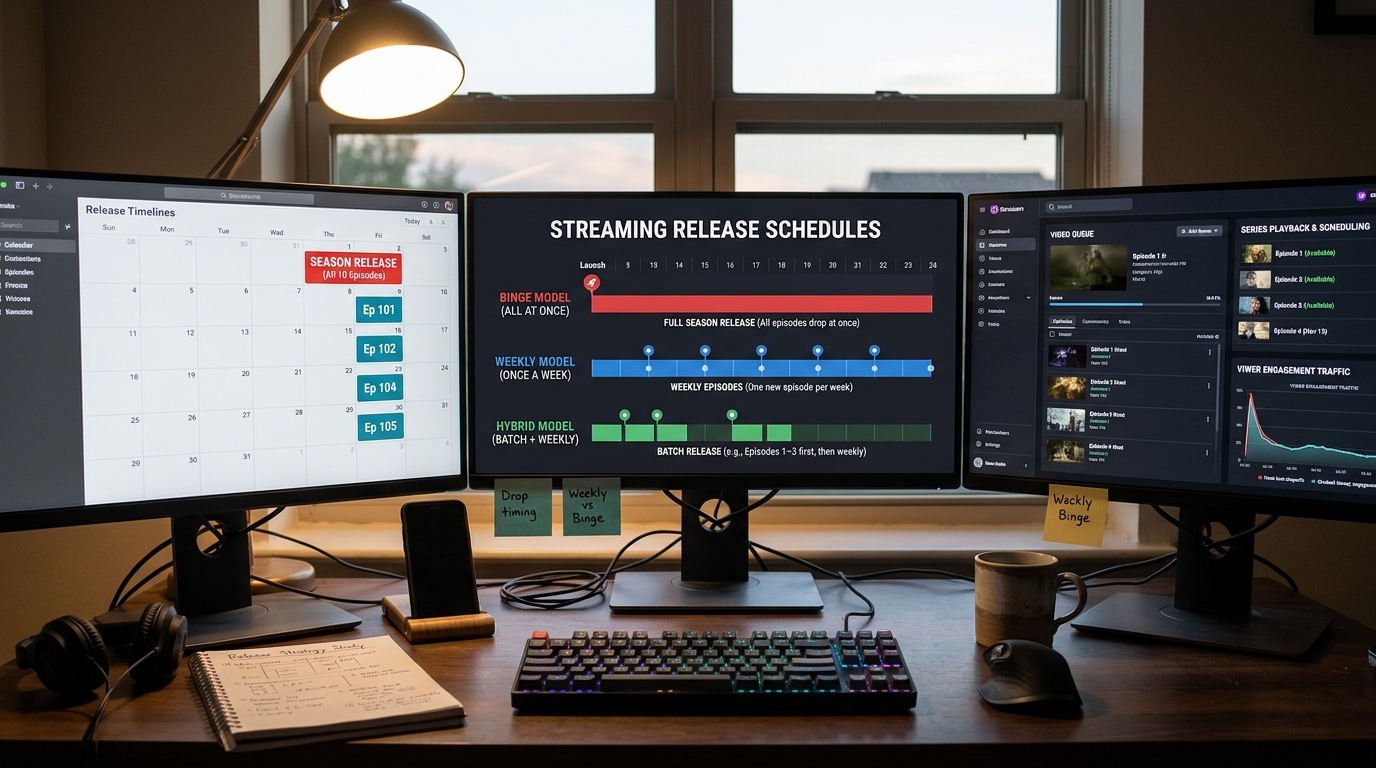
A series can be renewed without having an announced date, announced for a particular month without a day, or scheduled for individual episode drops. These are different states. Label them accordingly, and do not assume the existence of a new season tile means episodes are already playable. For currently releasing shows, record whether you want to watch weekly or wait for the finale.
You need not update every dormant title daily. Check your most anticipated releases about once a month, and verify official schedules shortly before an expected premiere. For completed seasons, the status may barely change. This prevents your watchlist from becoming a constant source of false urgency.
Add a realistic time estimate
A thirty-minute comedy and a ten-episode serialized mystery demand different kinds of attention. You do not need exact minute counts, but an estimate such as “short,” “medium” or “long commitment” helps you choose. A series with many seasons may be appealing without being suitable for this weekend. A limited drama can offer a satisfying complete arc when your free time is modest.
Also consider cognitive effort. A slow-burn thriller may contain fewer action scenes than a light adventure but require more concentration. You could use labels such as “easy evening,” “needs focus,” and “watch with friends.” The labels are personal; they should describe your experience, not claim an objective measure of quality.
Revisit subscriptions as part of the list
Record which shows are tied to which providers, then group your upcoming viewing accordingly. If you have four priorities on one app and only one on another, you may choose to concentrate a subscription around the first group. This can reduce unnecessary recurring charges. Check actual local availability before subscribing, since catalog rights and plan features vary.
Set a reminder for the subscription's renewal date if you are rotating services. When you finish the planned shows, decide whether other meaningful options remain. Do not feel compelled to watch mediocre content to justify a payment already made. A useful watchlist supports deliberate choices, including the choice to pause a plan.
A compact master watchlist template
| Show / season | Where it is legally available | Status | Next action |
|---|---|---|---|
| Example mystery series · S1 | Verify locally | Not started | Check first episode |
| Example family drama · S2 | Verify locally | In progress | Continue at episode 3 |
Sources and useful viewing resources
The template is a personal organization method, and the example rows are illustrative. A catalog directory is linked for separate checks of where particular seasons are licensed.